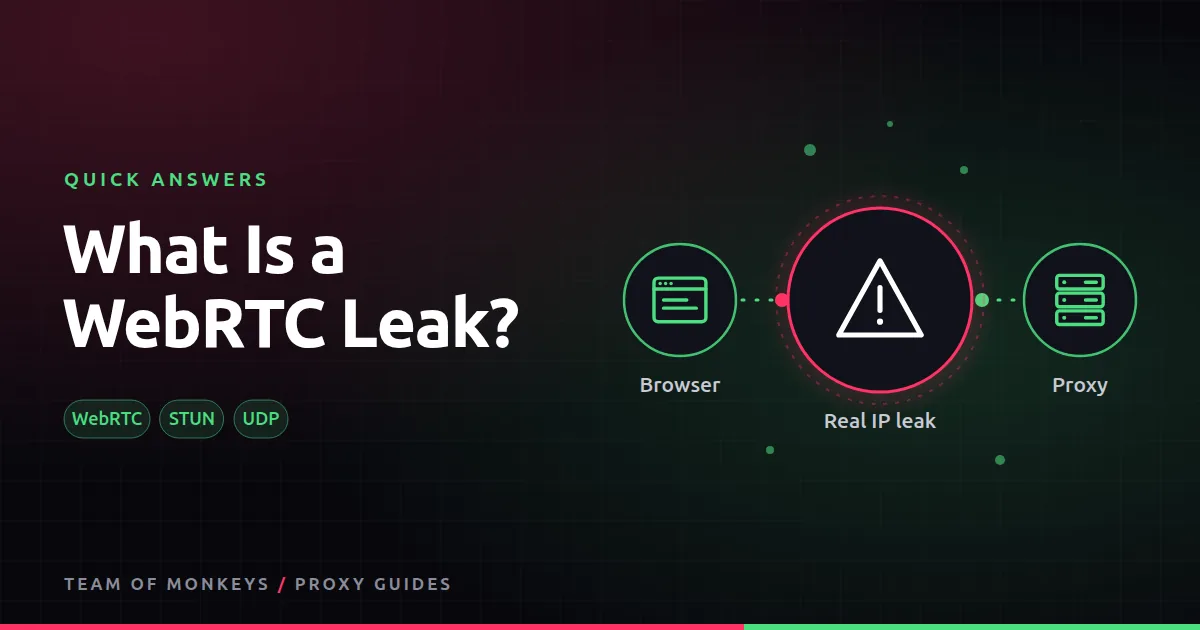
The short answer
WebRTC lets browsers make video calls directly to each other. To do that, it discovers your addresses using STUN servers, often over UDP, which many proxy setups do not route. A website's script can ask WebRTC for those addresses and see your real IP.
How to stop it
- Use a browser or extension setting that limits WebRTC to the proxied connection.
- Use an antidetect browser that handles WebRTC for each profile.
- Test on a leak-check page before you rely on the setup.

Also known as
WebRTC IP leak, STUN leak.
Learn more
- WebRTC leaks and proxies
- What is a DNS leak?
- Antidetect browser proxies
- Browser proxy settings
- RFC 8825, WebRTC overview
- RFC 8445, ICE (how WebRTC finds your addresses)
- W3C WebRTC specification
- MDN WebRTC API
Affiliate disclosure: Team of Monkeys is an affiliate of Geonode, Webshare and Rayobyte. Links and banners marked as sponsored, and links to Geonode, Webshare and Rayobyte in the text, use our referral links, and we may earn a commission if you buy through them, at no extra cost to you. Our explanations and comparisons are written to be useful whichever provider you choose.
Editorial note: Proxy providers change their pools, features and prices often, so treat any figures here as typical ranges at the time of writing and confirm current terms with the provider before you buy.
Editorial note: Proxy providers change their pools, features and prices often, so treat any figures here as typical ranges at the time of writing and confirm current terms with the provider before you buy.