The short answer
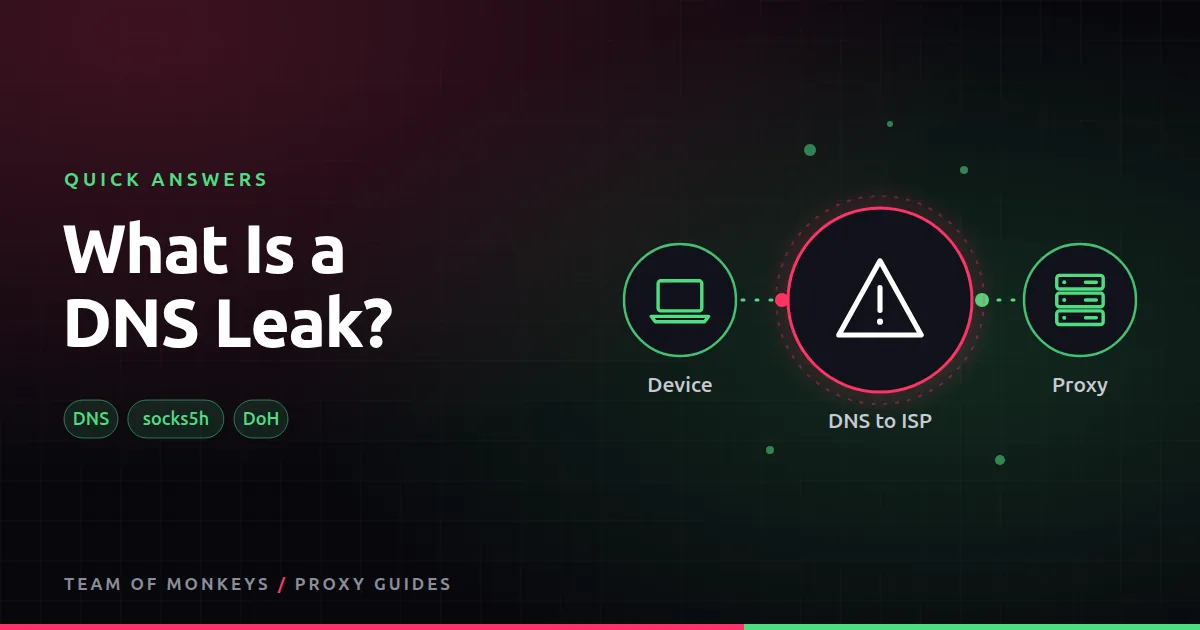
Before your browser can load example.com, it asks a DNS server for the site's IP address. If that question goes to your ISP's DNS instead of through the proxy, you have a DNS leak: the ISP (and sometimes the site, through geo clues) learns more than you intended.
The usual fix
- With SOCKS5, use remote DNS:
socks5h://in curl and Python, or "Proxy DNS when using SOCKS v5" in Firefox. - HTTP proxies resolve names at the proxy automatically for proxied requests.
- Encrypted DNS (DNS over HTTPS) also stops your ISP reading lookups.

Also known as
DNS lookup leak, resolver leak.
Learn more
- DNS leaks and proxies
- What is a WebRTC leak?
- SOCKS5 proxies
- Does a proxy hide my IP?
- RFC 1034, DNS concepts
- RFC 8484, DNS over HTTPS
- ICANN explains DNS
- The curl manual (socks5h)
Affiliate disclosure: Team of Monkeys is an affiliate of Geonode, Webshare and Rayobyte. Links and banners marked as sponsored, and links to Geonode, Webshare and Rayobyte in the text, use our referral links, and we may earn a commission if you buy through them, at no extra cost to you. Our explanations and comparisons are written to be useful whichever provider you choose.
Editorial note: Proxy providers change their pools, features and prices often, so treat any figures here as typical ranges at the time of writing and confirm current terms with the provider before you buy.
Editorial note: Proxy providers change their pools, features and prices often, so treat any figures here as typical ranges at the time of writing and confirm current terms with the provider before you buy.