The short answer
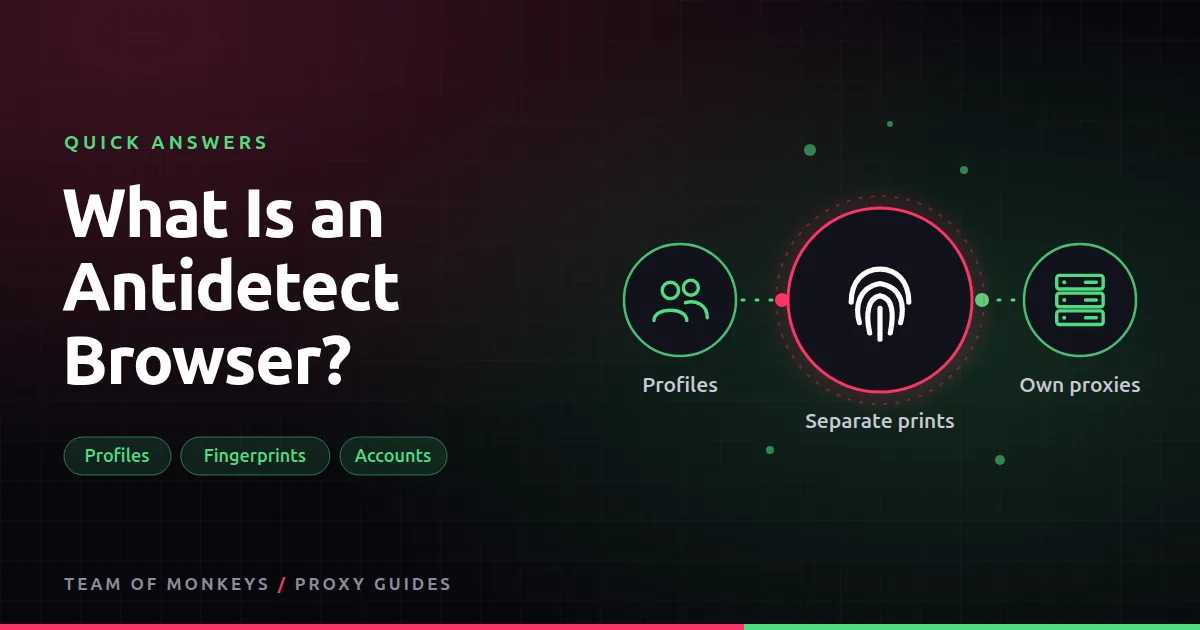
An antidetect browser is a modified Chromium or Firefox that lets you create many profiles. Each profile gets its own consistent fingerprint (screen, fonts, time zone, WebGL), its own cookies and storage, and its own proxy.
Why people pair them with proxies
The browser separates the fingerprints; the proxy separates the IPs. Agencies, e-commerce sellers and ad buyers use the pair to manage many accounts without one ban spreading to the others. Always check each platform's terms, since many limit multiple accounts.

Also known as
Anti-detect browser, multi-account browser, fingerprint browser, multilogin browser.
Learn more
- Antidetect browser proxies
- What is browser fingerprinting?
- Social media management proxies
- Geonode with antidetect browsers
- Device fingerprint overview
- W3C guidance on browser fingerprinting
- The Chromium project
- EFF Cover Your Tracks
Affiliate disclosure: Team of Monkeys is an affiliate of Geonode, Webshare and Rayobyte. Links and banners marked as sponsored, and links to Geonode, Webshare and Rayobyte in the text, use our referral links, and we may earn a commission if you buy through them, at no extra cost to you. Our explanations and comparisons are written to be useful whichever provider you choose.
Editorial note: Proxy providers change their pools, features and prices often, so treat any figures here as typical ranges at the time of writing and confirm current terms with the provider before you buy.
Editorial note: Proxy providers change their pools, features and prices often, so treat any figures here as typical ranges at the time of writing and confirm current terms with the provider before you buy.