The short answer
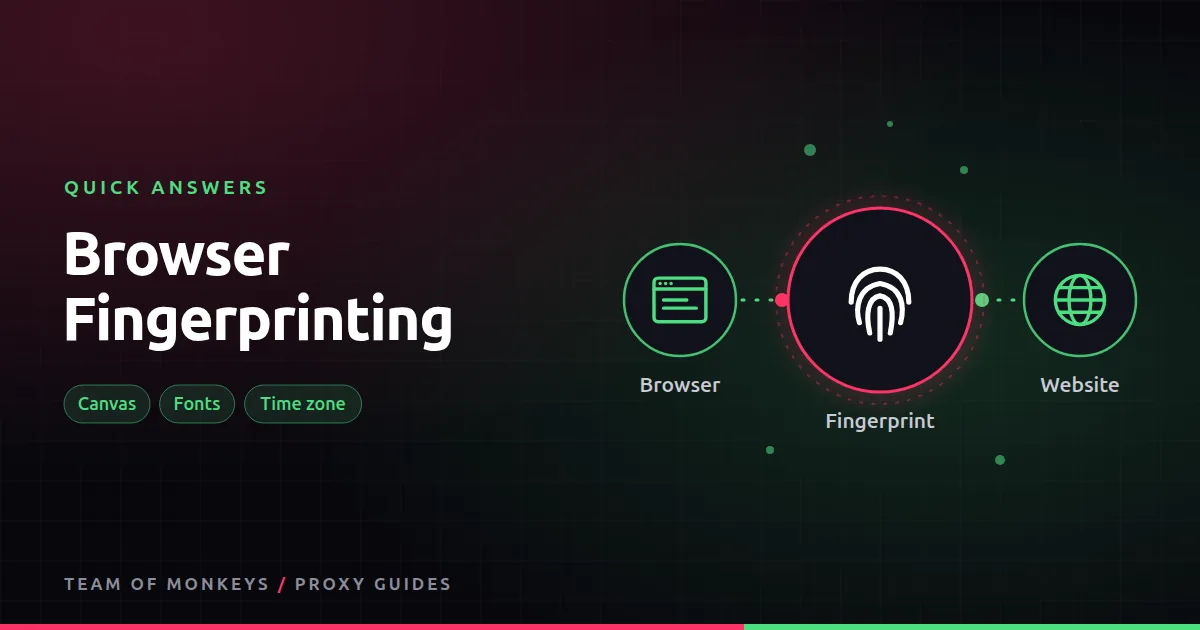
Your browser tells every website dozens of small facts: screen size, time zone, language, installed fonts, graphics card, how it draws a hidden image. Combined, they form a fingerprint that is often unique enough to recognise you on return visits, even with cookies cleared.
Why it matters with proxies
A proxy changes your IP, not your browser. If you switch IPs but keep the same fingerprint, a site can link your sessions together. If your IP says Brazil but your time zone says New York, that mismatch is itself a signal.

Also known as
Device fingerprinting, canvas fingerprinting, browser ID.
Learn more
- Browser fingerprinting and proxies
- What is an antidetect browser?
- Antidetect browser proxies
- Can websites detect proxies?
- EFF Cover Your Tracks: test your fingerprint
- AmIUnique, fingerprint research from Inria
- W3C guidance on mitigating fingerprinting
- MDN fingerprinting glossary
Affiliate disclosure: Team of Monkeys is an affiliate of Geonode, Webshare and Rayobyte. Links and banners marked as sponsored, and links to Geonode, Webshare and Rayobyte in the text, use our referral links, and we may earn a commission if you buy through them, at no extra cost to you. Our explanations and comparisons are written to be useful whichever provider you choose.
Editorial note: Proxy providers change their pools, features and prices often, so treat any figures here as typical ranges at the time of writing and confirm current terms with the provider before you buy.
Editorial note: Proxy providers change their pools, features and prices often, so treat any figures here as typical ranges at the time of writing and confirm current terms with the provider before you buy.