The short answer
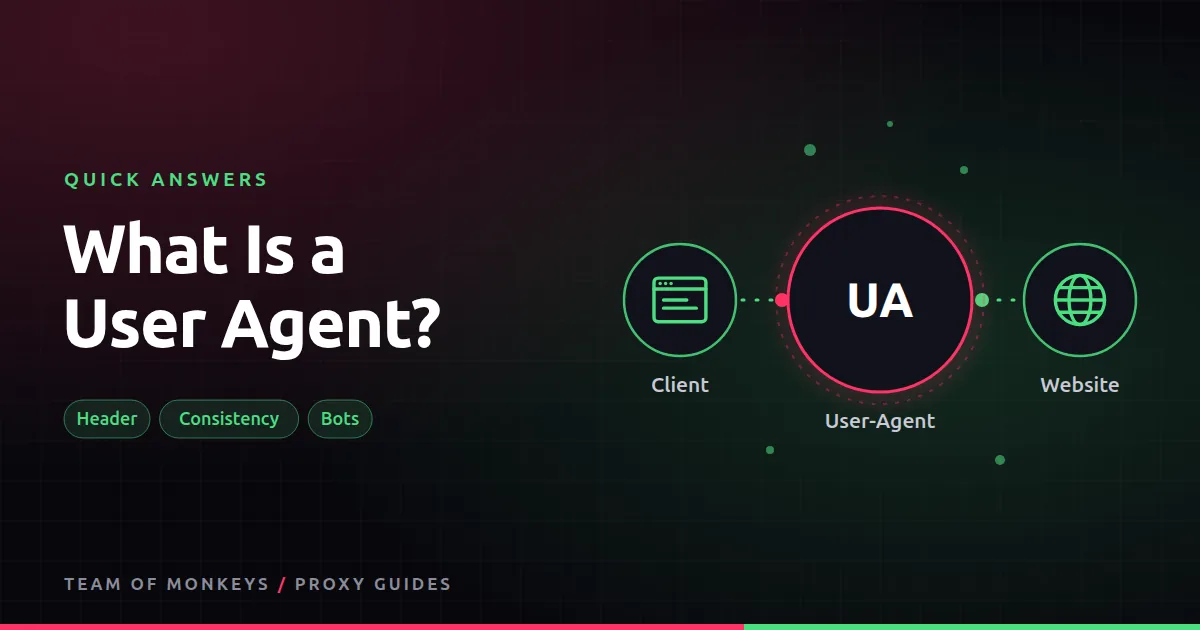
The User-Agent is an HTTP header such as Mozilla/5.0 (Windows NT 10.0; Win64; x64) ... Chrome/130 .... It tells the website what software is asking. Scripts have their own defaults, like python-requests/2.32, which many sites block on sight.
Tips
- A proxy does not change your user agent. Set it in your code or browser.
- Make it consistent with everything else: a Chrome user agent should come with Chrome-like headers and TLS fingerprint.
- Do not rotate it randomly on every request in the same session; real people do not switch browsers mid-visit.

Also known as
UA string, User-Agent header, browser identification string.
Learn more
- How to avoid IP bans when scraping
- Browser fingerprinting and proxies
- Python requests with proxies
- What is a TLS fingerprint?
- MDN on the User-Agent header
- RFC 9110, HTTP semantics (User-Agent)
- Google's guide to robots.txt and crawler user agents
- RFC 9309, robots exclusion (user-agent lines)
Affiliate disclosure: Team of Monkeys is an affiliate of Geonode, Webshare and Rayobyte. Links and banners marked as sponsored, and links to Geonode, Webshare and Rayobyte in the text, use our referral links, and we may earn a commission if you buy through them, at no extra cost to you. Our explanations and comparisons are written to be useful whichever provider you choose.
Editorial note: Proxy providers change their pools, features and prices often, so treat any figures here as typical ranges at the time of writing and confirm current terms with the provider before you buy.
Editorial note: Proxy providers change their pools, features and prices often, so treat any figures here as typical ranges at the time of writing and confirm current terms with the provider before you buy.