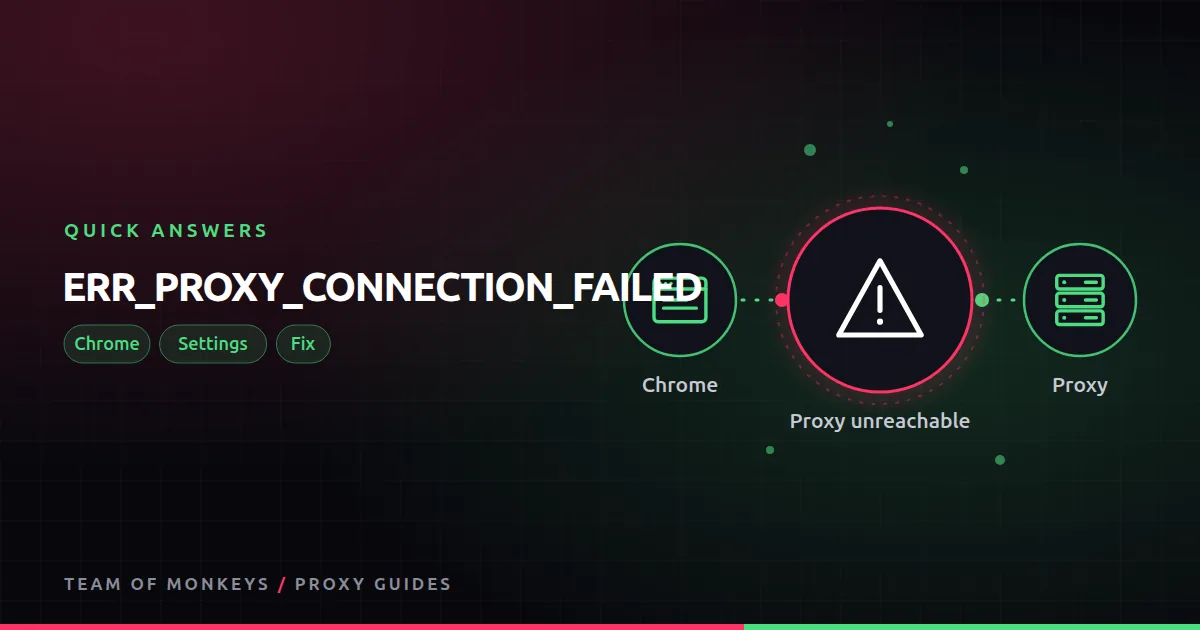
The short answer
Chrome is set to use a proxy, and that proxy did not answer. The website is fine; Chrome never got past the first hop.
Quick fixes
- Find where the proxy is set. Chrome uses your operating system's proxy settings unless an extension overrides them.
- Check the address and port for typos, and that the proxy is online.
- Disable proxy extensions one by one.
- Turn the proxy off in system settings if you did not mean to use one. Malware and old VPN apps sometimes leave a proxy behind.

Also known as
"There is something wrong with the proxy server", Chrome proxy error, unable to connect to the proxy server.
Learn more
- Browser proxy settings
- Proxy setup on Windows
- Proxy setup on Mac
- What is ERR_TUNNEL_CONNECTION_FAILED?
- The Chromium project
- MDN on proxy servers and tunneling
- MDN on PAC files
- The UK NCSC's top tips for staying secure online
Affiliate disclosure: Team of Monkeys is an affiliate of Geonode, Webshare and Rayobyte. Links and banners marked as sponsored, and links to Geonode, Webshare and Rayobyte in the text, use our referral links, and we may earn a commission if you buy through them, at no extra cost to you. Our explanations and comparisons are written to be useful whichever provider you choose.
Editorial note: Proxy providers change their pools, features and prices often, so treat any figures here as typical ranges at the time of writing and confirm current terms with the provider before you buy.
Editorial note: Proxy providers change their pools, features and prices often, so treat any figures here as typical ranges at the time of writing and confirm current terms with the provider before you buy.