The short answer
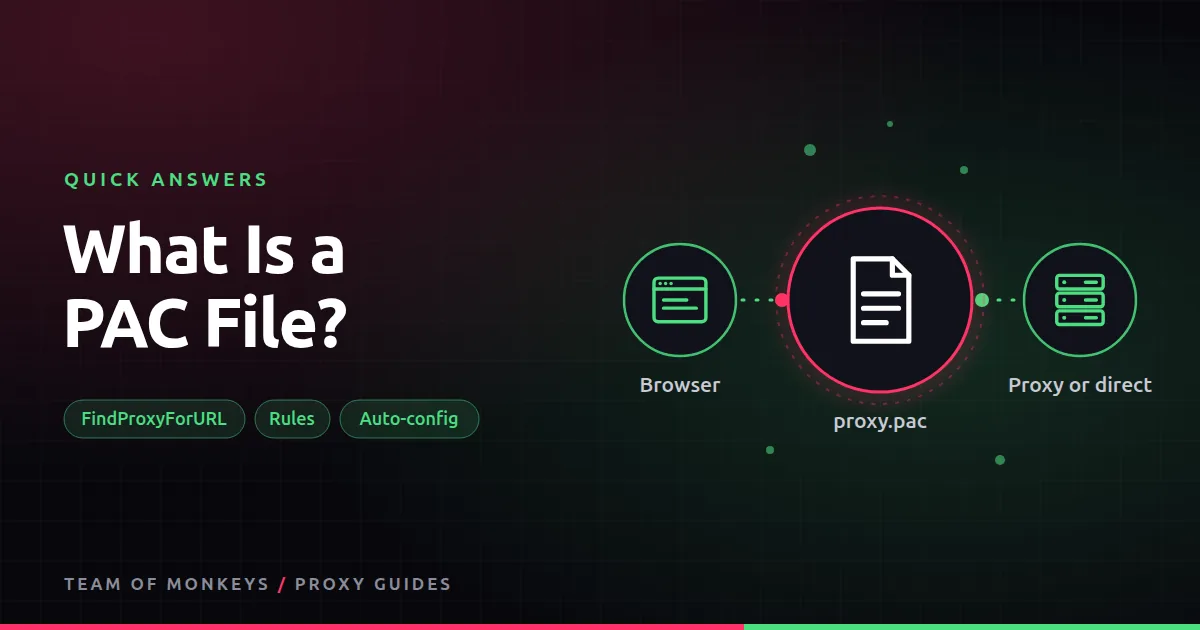
A PAC file contains one JavaScript function, FindProxyForURL(url, host), which returns where each request should go:
function FindProxyForURL(url, host) {
  if (dnsDomainIs(host, ".example.com")) return "PROXY 198.51.100.7:8080";
  return "DIRECT";
}
You point your browser or operating system at the file's URL, and it decides per request.
When to use one
Companies use PAC files to send internal sites direct and everything else through a filter. Individuals use them to route only certain sites through a proxy.
Also known as
Proxy auto-config, proxy.pac, wpad.dat, automatic proxy configuration script.
Learn more
- Proxy PAC files
- Browser proxy settings
- Proxy setup on Windows
- Proxy setup on Mac
- MDN reference for PAC files
- MDN on proxy servers and tunneling
- NIST SP 800-41, firewalls and proxies
- The Chromium project
Affiliate disclosure: Team of Monkeys is an affiliate of Geonode, Webshare and Rayobyte. Links and banners marked as sponsored, and links to Geonode, Webshare and Rayobyte in the text, use our referral links, and we may earn a commission if you buy through them, at no extra cost to you. Our explanations and comparisons are written to be useful whichever provider you choose.
Editorial note: Proxy providers change their pools, features and prices often, so treat any figures here as typical ranges at the time of writing and confirm current terms with the provider before you buy.
Editorial note: Proxy providers change their pools, features and prices often, so treat any figures here as typical ranges at the time of writing and confirm current terms with the provider before you buy.